How Music Teachers Can Use Short Videos to Boost Practice
Music teachers can use short videos to boost practice by turning each week's reading goal into a 15 to 30 second clip: a "read this" challenge posted on the studio account, a homework prompt sent to families, or a before-and-after comparison students can be proud of. A clear 20-second task on the phone a student already carries is easier to start than "practice for half an hour".
This guide is for private teachers and small studios that already run, or want to start, a studio social account. It uses Note Bounce renders as the raw material, because the balls land on real sheet music and turn a passage into a moving score without you filming anything. Note Bounce is a game, not a teaching platform, so the structure and feedback still come from you.
Why short clips help practice
Most practice problems are starting problems. A student opens the book, doesn't know where to begin, and closes it. A short clip solves three things at once:
- It shows the target. Students see and hear exactly what the passage should sound like at the right tempo.
- It's small. "Read these four bars" feels doable in a way a full page doesn't.
- It's social. A weekly challenge on the studio account gives students something to talk about between lessons.
None of this replaces your lessons. It fills the gap between them.
Idea 1: a weekly "read this" challenge
Post one short sheet-music clip each week on the same day, with the same title format, for example "Studio Read-Along, Week 6".
- Choose four to eight bars of a public-domain piece at your students' level, such as the opening of Ode to Joy for beginners or a Bach minuet phrase for intermediate students.
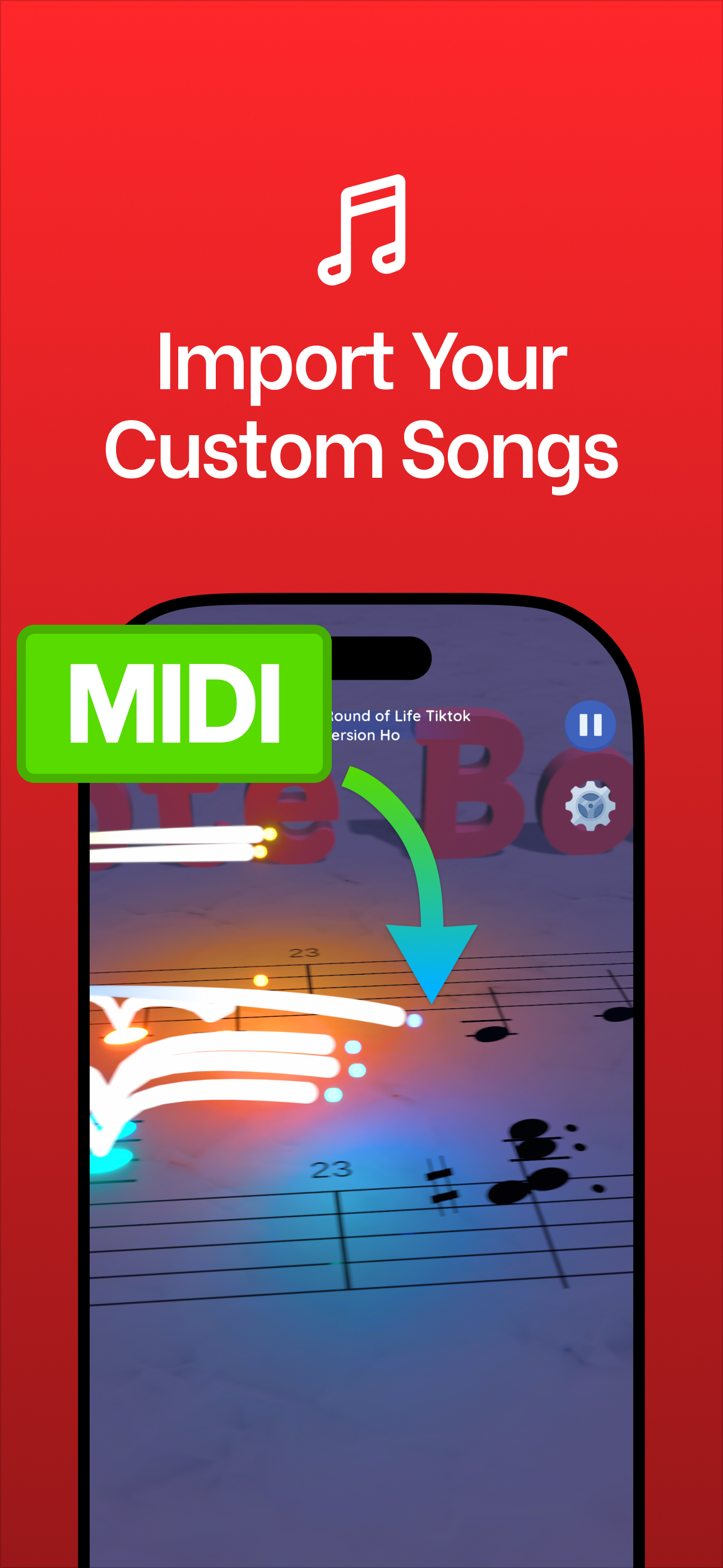
- Export that passage as a MIDI file from your notation program and import it into Note Bounce to build a level.
- Play it, render the gameplay video and post it with one reading question, such as "How many times does the first pattern repeat?" or "What's the highest note?"
- Go over the answer in lessons that week.
Keeping the day and format fixed matters more than production quality. Students learn to expect it.
Idea 2: homework clips instead of written notes
Instead of writing "practice bars 9 to 16" in a notebook, send the same passage as a clip to the family group chat or your studio app.
| Written assignment | Clip assignment |
|---|---|
| "Bars 9–16, slowly" | A render of bars 9–16 at the practice tempo |
| "Watch the rhythm in bar 12" | The same clip, with a text label on bar 12 |
| "Learn the left-hand pattern" | A render of only that part, from a MIDI with one track |
For the slow version, lower the tempo in your notation program before exporting the MIDI. Label the tempo in the caption so students and parents know it isn't the final speed.
Idea 3: offline practice for travel and quiet rooms
Not every student has reliable internet, and many studios have spotty Wi-Fi. Note Bounce works offline, so a student who has it installed can read through a level on the bus, in a waiting room, or at a grandparent's house. Suggest it as a five-minute warm-up before the instrument comes out, not as a replacement for real practice on the instrument.
If a student practices on a shared family device, agree with the parents on when and how long, and stick to that.
For a change from reading, try a listening warm-up with RingLoop. Each song is a set of concentric rings, and every ring you clear adds one instrument to the mix, so students can call out the instrument that just joined. It's a quick way to practice hearing parts inside a full arrangement, and it works offline too.
Idea 4: before-and-after clips, with consent
A first attempt next to the same passage four weeks later is one of the most motivating things a student can see. Keep these clips hands-only or screen-only:
- Record the instrument and hands, or just the audio over the sheet-music render.
- Use first names or initials only, never full names or school details.
- Share privately with the family first. Post publicly only if the student and their parent or guardian say yes, in writing for under-18s.
A studio account is public. Before you post anything involving a student, run through this checklist:
- No faces without consent. Get written permission from a parent or guardian for minors, and from the student themselves.
- No identifying details. No full names, school names, uniforms, house numbers or location tags.
- Easy opt-out. Tell families they can ask you to remove a video at any time, and do it promptly.
- Check the music. Stick to public-domain pieces for posted clips. Copyrighted pop or film music carries copyright risk on every platform, and the platforms' music policies change.
- Follow your school or employer's rules if you teach in an institution, since they may be stricter than this list.
When in doubt, use renders only. A sheet-music clip has no student in it at all, which is why it's the safest default format for a studio account.
Start this week
Pick one idea and run it for a month before adding another. The weekly "read this" challenge is the easiest place to start: one passage, one render, one question, on the same day each week. If your students need a refresher on note names first, share the beginner's guide to reading sheet music with families.
Frequently asked questions
Can students use Note Bounce without internet?
Yes. Note Bounce works offline, so once the app is installed students can play it in a room or on a trip without Wi-Fi.
How can I make practice more fun for students?
Give them short, specific goals they can finish in a few minutes, add a little friendly challenge, and let them hear or see progress. Short videos help with all three, because a student can watch a 20-second clip and know exactly what to try.

Get Note Bounce
Learn to read sheet music while you play. Free on iOS, Android and Steam.