Moonlight Sonata: How to Read the Famous Opening
To read the opening of the Moonlight Sonata, start with three things on the first page: the key signature of four sharps, the cut-time (2/2) marking, and the right hand's endless triplets, which you read as chord shapes rather than single notes. Once you see each group of three as one chord, the first page of Moonlight Sonata sheet music turns from hundreds of notes into a handful of hand positions.
The piece is Beethoven's Piano Sonata No. 14 in C-sharp minor, Op. 27 No. 2, completed in 1801 and titled Sonata quasi una fantasia, according to Wikipedia. Its slow, dark first movement is also one of the best pieces there is for practicing reading in patterns. This guide covers the first movement, Adagio sostenuto, only.
What's on the first page
Before playing a note, read the information at the start of the staff:
| Marking | What it tells you |
|---|---|
| Four sharps | F, C, G and D are sharp throughout. With the dark sound of the first chord, that means C-sharp minor. |
| ¢ or 2/2 | Cut time: two beats per bar, each one a half note. |
| Adagio sostenuto | Slow and sustained. |
| Little 3s over the notes | Triplets: three notes in the space of two. |
The four sharps matter more than usual here, because the opening chord uses two of them. If you forget the C sharp and play C natural, the whole mood changes.
Why the cut-time marking matters
You might expect a slow piece to be counted in four. Beethoven marked it alla breve, two half-note beats per bar, and that changes how the music moves.
Each bar holds four groups of triplets. In cut time, two triplet groups share one beat:
Bar 1:  | G#-C#-E  G#-C#-E | G#-C#-E  G#-C#-E |
Beats:    1                  2
Counting "1 and 2 and" over the bar, with one count per triplet group, makes it feel like a slow walk forward. Counting four separate beats tends to make every group land with the same weight, and the movement starts to plod. If you have a version printed in 4/4, the notes are the same, but try feeling it in two anyway.
One practical note: many MIDI files store this movement's meter as 4/4. The notes can still match the score; just remember that Beethoven's marking is cut time.
Read the triplets as chord shapes
The right hand plays almost nothing but rising three-note groups. Reading each note one at a time is exhausting. Reading each group as a chord is easy.
Step 1: Stack the group
Take the first triplet, G sharp, C sharp, E. Imagine those three noteheads stacked vertically instead of side by side. Together they make a C-sharp minor chord, with G sharp at the bottom.
Step 2: Find the repeats
In bar 1 that same group appears four times. You read it once, then you only need to notice that nothing changed. The left hand holds a low C-sharp octave underneath.
Step 3: Watch for one note moving
From bar to bar, the shapes usually change by just one or two notes. In bar 3, for example, the triplets become A, C sharp, E: the bottom note moves up one key and the other two stay put. Train your eye to ask "Which note moved?" instead of "What are all three notes?" That question is what makes the page readable at tempo.
Step 4: Read the bass as the signpost
The left-hand notes move slowly, usually one or two per bar. Glance at the bass first, then at the triplets. The bass tells you which chord is coming, and the triplets confirm it.
The melody that enters in bar 5
After four bars of triplets alone, the melody arrives on top: a G sharp in a dotted rhythm, a long note followed by a short one, then a held note. It sits above the triplets in the same hand, with its stems pointing up, so you are reading two layers at once.
Here's the trick: read the melody as the main line and let the triplet shapes run on autopilot underneath. Because you already know them as chord shapes, your eyes are free to follow the tune. Play the melody slightly louder than the triplets so it floats above them.
Practice it at game speed
Reading a slow piece sounds easy until you try to keep going without stopping. A game makes you keep going.
- Get a MIDI of the first movement. The Marble Music library has Sonata No. 14, first movement. As with any arrangement, check the license of the file you use.
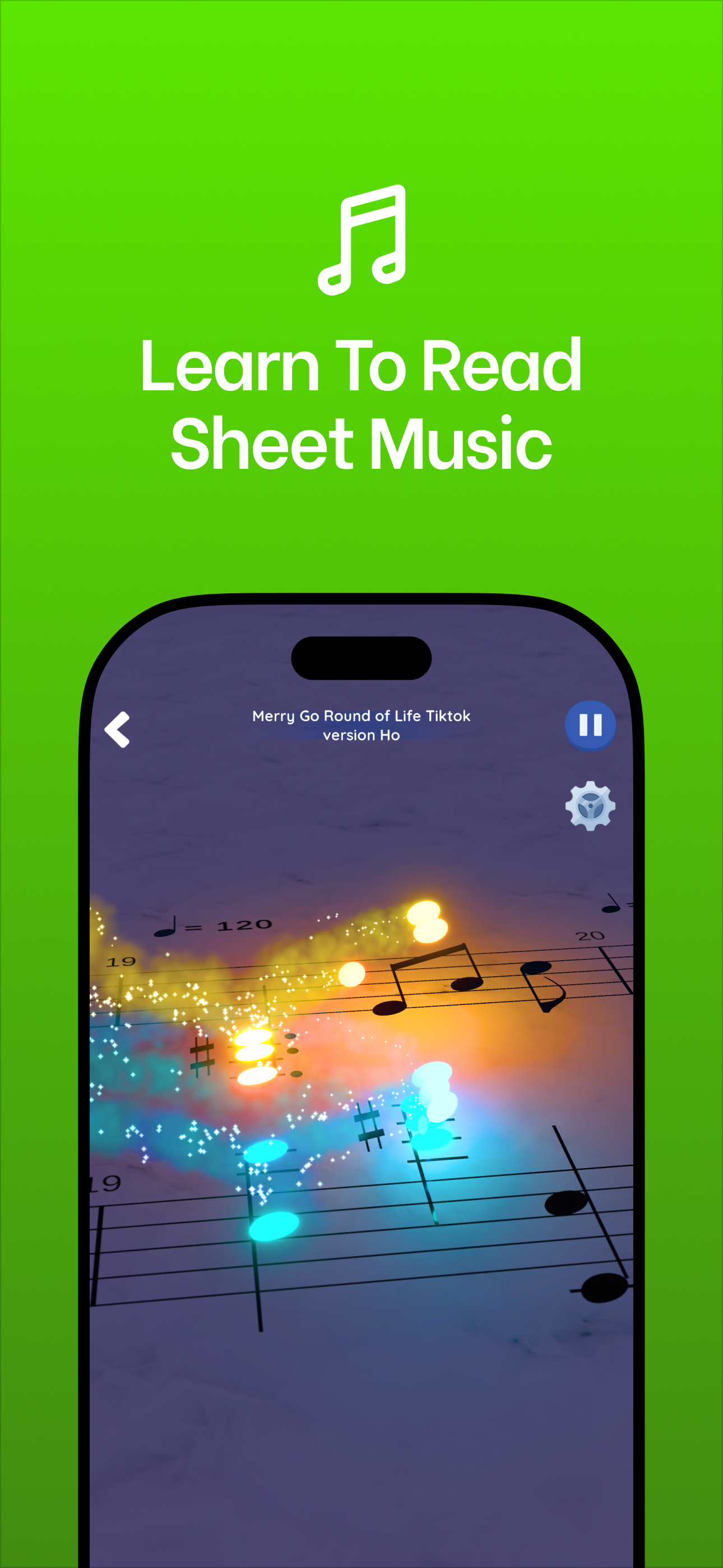
- Import it into Note Bounce to build a custom level. Bouncing balls land on the notes on a real staff, in time with the music.
- Play the opening 16 bars a few times. Before each run, say the first chord shape out loud: "G sharp, C sharp, E."
- Watch for the moving note. Each time the balls reach a new bar, try to spot which note of the triplet changed before it sounds.
If you are still getting comfortable with the staff, the beginner's guide to reading sheet music covers the basics first.
Make it your Halloween night video
The first movement is slow, quiet and minor-key, which makes it a good last-minute post for October 31. Render a clean run of the opening bars in Note Bounce, and pair it with a reading hook like "Four bars, one chord shape. Can you spot when it changes?"
For a moodier version without notation, Marble Music (formerly Beat Bounce) turns the same MIDI into a bouncing-marble video where the marble lands on every note of the triplets, which makes the steady pattern slow and hypnotic to watch. Posting both versions gives you a reading clip and a watching clip from the same piece.
Frequently asked questions
Is Moonlight Sonata hard to play?
The famous first movement is slow and built from one repeating pattern, so many intermediate players can learn it; the hard part is keeping it even and quiet. The third movement, marked Presto agitato, is far more demanding.
Why is it called the Moonlight Sonata?
Beethoven didn't call it that. The nickname goes back to the critic Ludwig Rellstab, who compared the first movement to a boat on Lake Lucerne by moonlight.

Get Note Bounce
Learn to read sheet music while you play. Free on iOS, Android and Steam.